As a service, geocoding is a key part of the order book. This turns your address data into a lat/lon coordinate. This internal process attempts to optimize finding the best possible lat/lon. But sometimes because of the input or because of other factors such as very recent addresses it can receive a low score. Our recommendation is to catch these kind of errors as early in the process as possible.
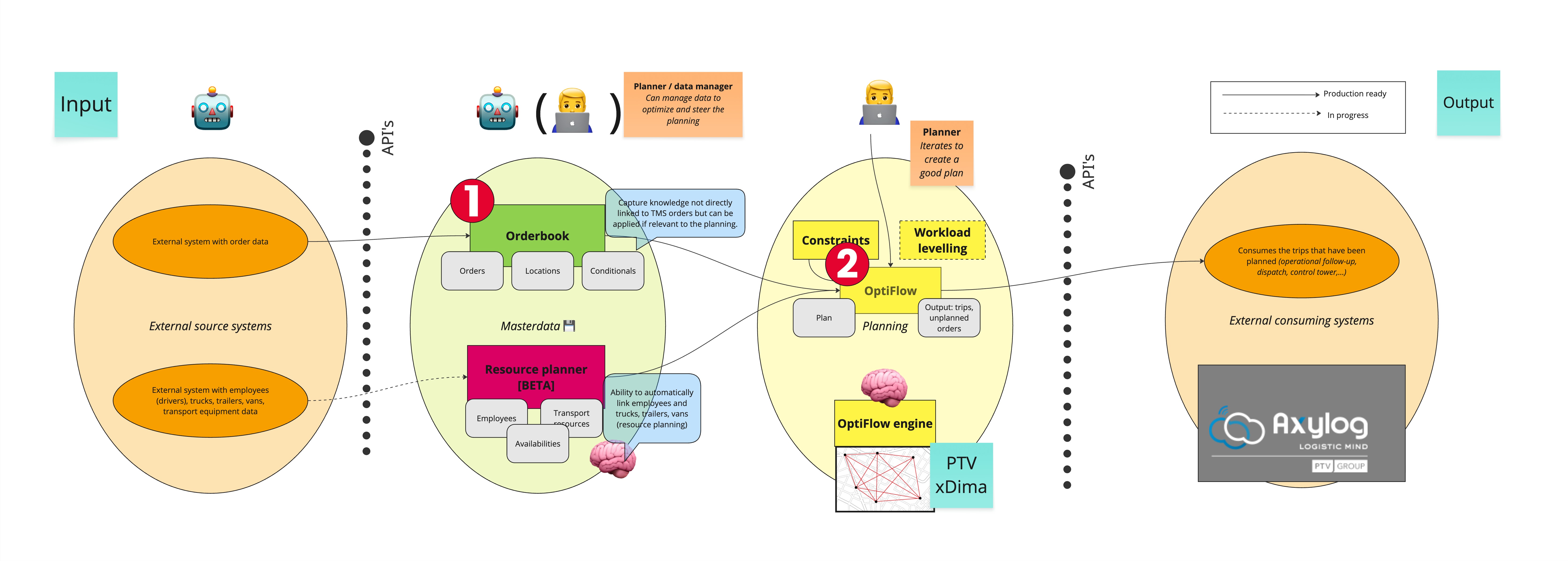
Below is a high level overview of the geocoding process.
- This is where the address data is received and the transformation to lat/lon happens.
- This is where the planning happens. We encourage customers to guard data quality as soon as possible in their process. Sometimes even validating at user input time in your own system, but at least checking it when the geocoding is handled by order book. This insures that your data is ready to be used for planning and your focus can be focussed on the outputted routes and not on correcting the input.
When sending a delivery order request the address part looks like this:
{
  "order": {
    ... Omitted for brevity
  },
  "delivery": {
    "visit_location": {
      "name": "PTV Logistics",
      "address_line": "Voordries 41",
      "city": "Oosterzele",
      "zip_code": "9860",
      "country_code": "BE"
    },
    ... Omitted for brevity
  }
}
The valid expectation to this request is that it should geocode that address into a lat/lon coordinate. In this case:
  "geo_point": {
    "latitude": 50.9514048,
    "longitude": 3.8067878
  }
But to know that the geocoding is correct you can should check the score property that will only be returned on a get. This score is a number between 0 and 10 and is documented in the manual here: Resolve address scores. In order to receive the score immediately as a response to your PUT call without having to perform a subsequent GET call you can set the Prefer header to return=representation. This will return the complete body including score as would the GET call. Next to the score you can also see if there are any differences in the address fields themselves, potentially it has corrected some typo's or there was a wrong interpretation of the input data.
{
  "order": {
    ... Ommited for brevity
  },
  "delivery": {
    "site_location": {
      "location_id": "locationA"
    },
    "visit_location": {
      "name": "PTV Logistics",
      "address_line": "Voordries 41",
      "city": "Oosterzele",
      "zip_code": "9860",
      "country_code": "BE",
      "resolved_address": {
        "geo_point": {
          "latitude": 50.9514048,
          "longitude": 3.8067878
        },
        "address_line": "Voordries 41",
        "city": "Oosterzele",
        "zip_code": "9860",
        "country_code": "BE",
        "score": 9
      }
    },
    ... Ommited for brevity
  }
}
With the score field available, you can decide how to followup with the level of quality. We would recommend to validate the score before you start planning and potentially send out an internal e-mail containing lower scored addresses below 7 to see if they need correcting before the planning.
You can then send an updated version of the order and specify the geo_point field at the input level. This will override the geocoding done by order book.
{
  "order": {
    ... Ommited for brevity
  },
  "delivery": {
    "site_location": {
      "location_id": "locationA"
    },
    "visit_location": {
      "name": "PTV Logistics",
      "address_line": "Voordries 41",
      "city": "Oosterzele",
      "zip_code": "9860",
      "country_code": "BE",
      "geo_point": {
        "latitude": 51,
        "longitude": 4
      }
    },
    ... Ommited for brevity
  }
}